Gift links and codes
Gift Premium or a badge to someone, and redeem a gift, promo or event code.
Updated October 22, 20261 min read
Gifting to a friend
- On the Premium page, click Gift to a friend (or in Settings → Gift links, click Gift).
- Pick the gift: Lifetime Premium, Verified badge or Custom badge.
- Add a little note if you want (140 characters).
- Tick the terms of sale box and pay.
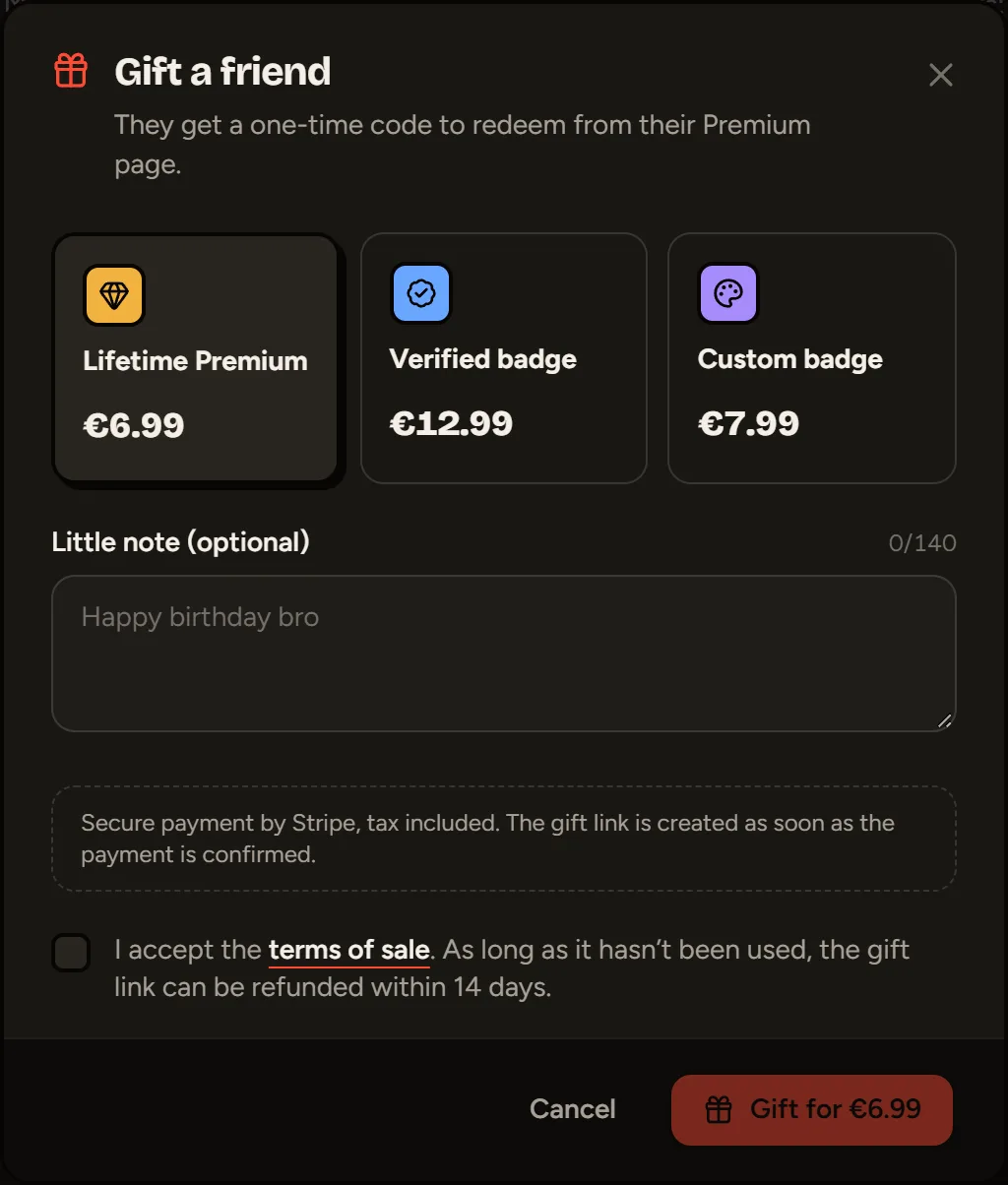
You get a gift link and a GIFT-XXXX-XXXX-XXXX code. Send either one to the person: the first account that uses it gets the gift, just once. Your gifts are listed with their status: Pending or Used by @username.
Redeeming a code
On the Premium page, in Redeem a code, paste your code (gift, promo or event reward) and click Redeem. Opening a gift link fills in the field for you.
Depending on the code, you get Premium, Verified, the custom badge (which you then create in Badges) or an event badge.
| Message | What it means |
|---|---|
| This code doesn’t exist | Check that it’s copied in full, dashes included |
| This code has already been used | A code only works once |
| You’re already Premium | Keep the code and gift it to someone else |
Codes handed out for free (events, partners) can’t be exchanged or refunded.
Still stuck?
Email us and describe the problem: we’ll reply by email, in English or French.