What your visitors see
Show or hide views, badges, likes and the join date, and set the button style.
Updated October 22, 20261 min read
The Customize → Display section decides what shows up on your page.
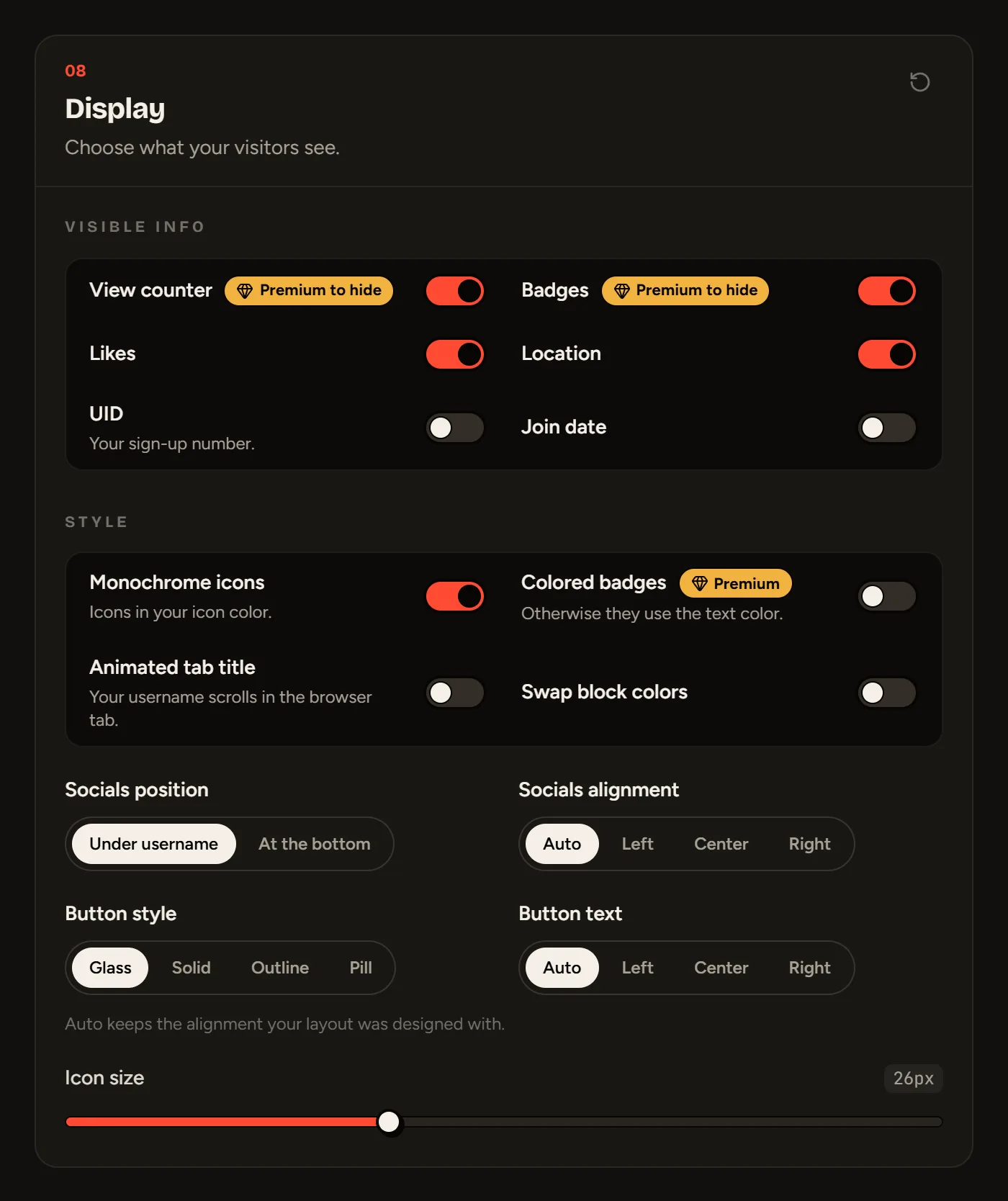
Visible info
| Item | Default | Note |
|---|---|---|
| View counter | Visible | Hiding it requires Premium |
| Badges | Visible | Hiding them requires Premium |
| Likes | Visible | |
| Location | Visible | |
| UID | Hidden | Your sign-up number |
| Join date | Hidden | Shown as “Joined 2 months ago” or “Joined August 2026” |
Style
- Monochrome icons: all your social icons in a single color.
- Colored badges (Premium): otherwise, badges use the text color and show their real color on hover.
- Animated tab title: the browser tab title animates.
- Swap block colors.
- Socials position: under your username or at the bottom.
- Socials alignment and Button text: auto, left, center or right. “Auto” keeps the alignment your layout was designed with.
- Button style: Glass, Solid, Outline or Pill.
- Icon size: from 18 to 40 pixels.
Still stuck?
Email us and describe the problem: we’ll reply by email, in English or French.