Understanding your stats
Views, unique visitors, clicks, countries, devices and referrers: what each number shows and how it’s counted.
Updated October 22, 20261 min read
Your profile stats are in Analytics (slaze.cc/dashboard/analytics).
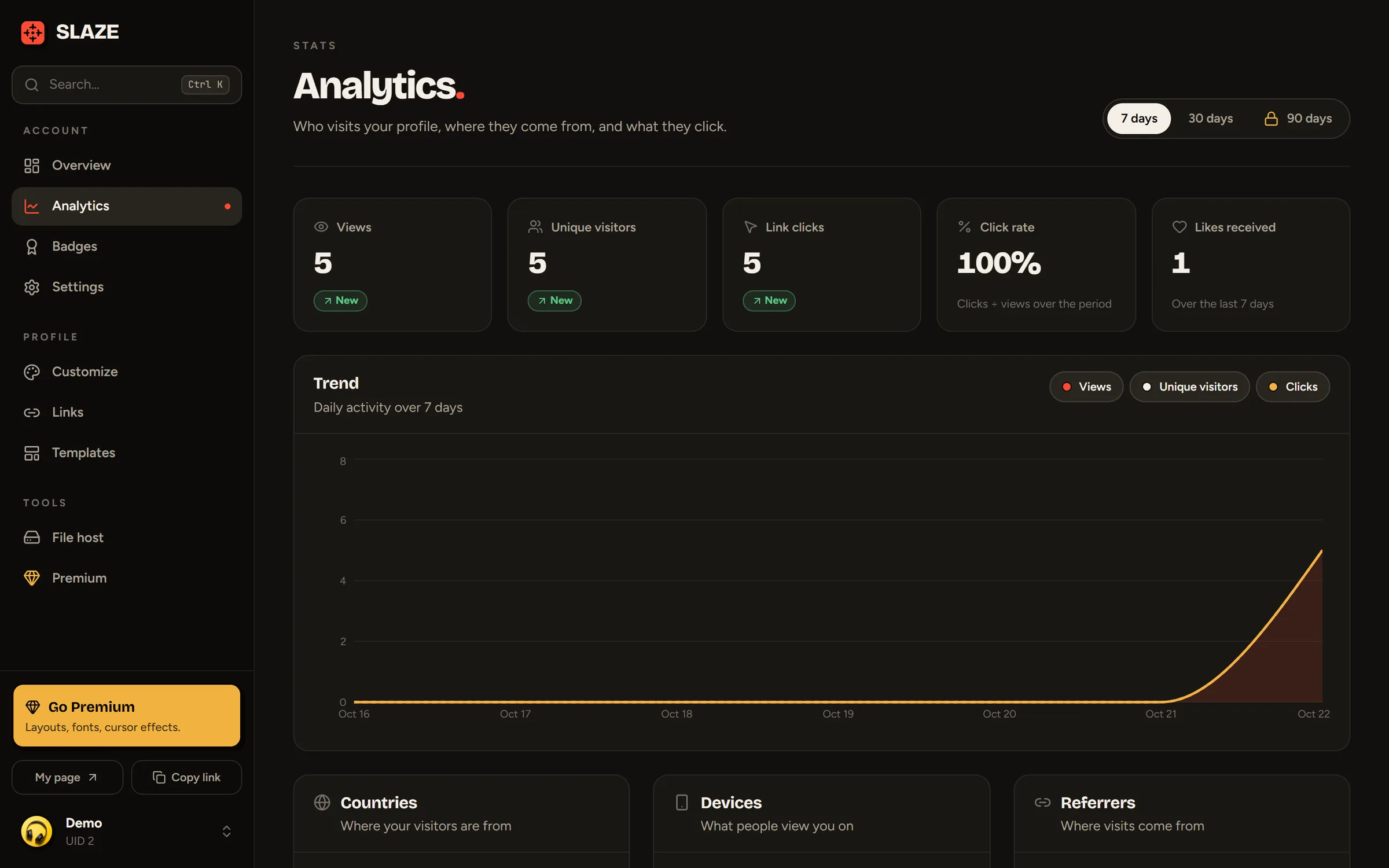
The period
Pick 7 days, 30 days or 90 days at the top right. A free account goes back up to 30 days, Premium up to 90 days.
The numbers
Each number is compared with the previous period.
- Views: how many times your profile was opened.
- Unique visitors: how many different people, day by day.
- Link clicks: clicks on your socials and buttons.
- Click rate: clicks ÷ views.
- Likes received.
The details
- Trend: the day-by-day chart (views, unique visitors, clicks).
- Countries, Devices (desktop, mobile, tablet), Referrers (where your visitors come from: TikTok, Discord, direct…).
- Tech: browsers and operating systems.
- Most clicked links.
- Visit hours: what time people look at your profile.
- Recent visitors: the latest visits, anonymized.
How it’s counted
- Your own visits don’t count, and neither do bots.
- The same person counts as one view every 30 minutes at most: refreshing the page doesn’t inflate the counter.
- SLAZE doesn’t keep your visitors’ IP addresses: unique visitors are recognized with an anonymous fingerprint that changes every day.
Still stuck?
Email us and describe the problem: we’ll reply by email, in English or French.