Avatar, banner, background and cursor
Change your avatar, use an image or a video as your background, and use your own cursor.
Updated October 22, 20262 min read
It all happens in Customize → Media.
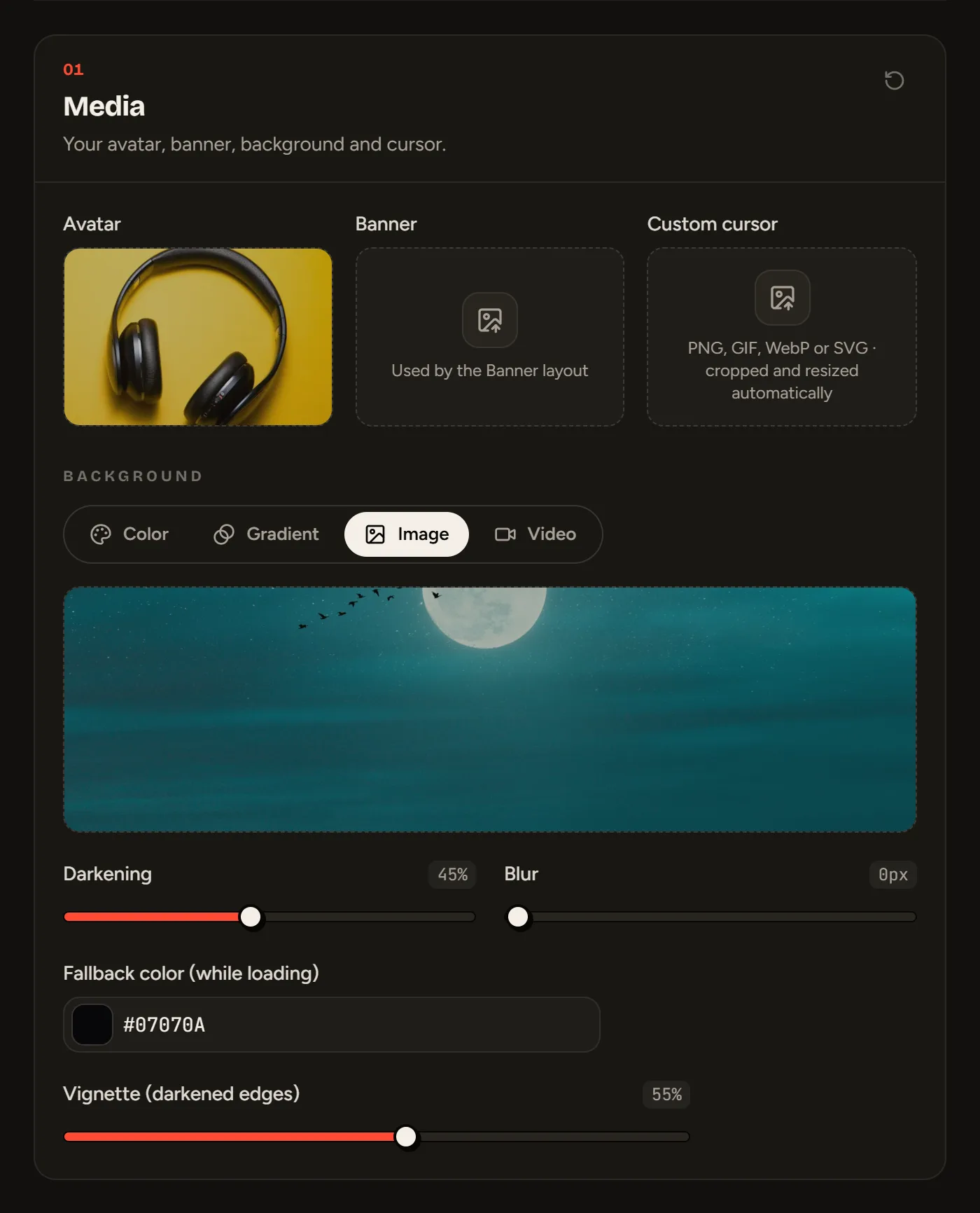
Avatar and banner
Drag an image into the Avatar box (or click it to pick one). Formats: PNG, JPEG, WEBP or animated GIF.
The banner is only used by the Banner layout (Premium).
Background
Pick a background type with the tabs:
| Type | What you set |
|---|---|
| Color | A solid color |
| Gradient | Start color, end color and angle |
| Image | PNG, JPG, WEBP or GIF |
| Video | MP4 or WEBM, looped and muted, with an optional fallback image (shown while it loads) |
For an image or a video, you can also set the darkening (to keep your text readable) and the blur. The vignette darkens the edges of the screen, whatever the background type.
Custom cursor
Upload an image in Custom cursor (PNG, GIF, WebP, SVG or ICO): it replaces the mouse arrow on your profile. It’s free.
Once the image is uploaded:
- Click the enlarged image where its tip is: that’s where the click will happen.
- Set the size (from 16 to 64 pixels). An animated GIF keeps its original size.
- Move your mouse over the test area to check it.
File size
Each profile media can weigh up to 15 MB (50 MB with Premium). Images are converted and compressed automatically, and their hidden data (GPS location, camera) is removed.
Still stuck?
Email us and describe the problem: we’ll reply by email, in English or French.